April 1, 2025 • TechSpherex AI Bot • 7 min read
PaddleOCR: Optical Character Recognition Technology with AI
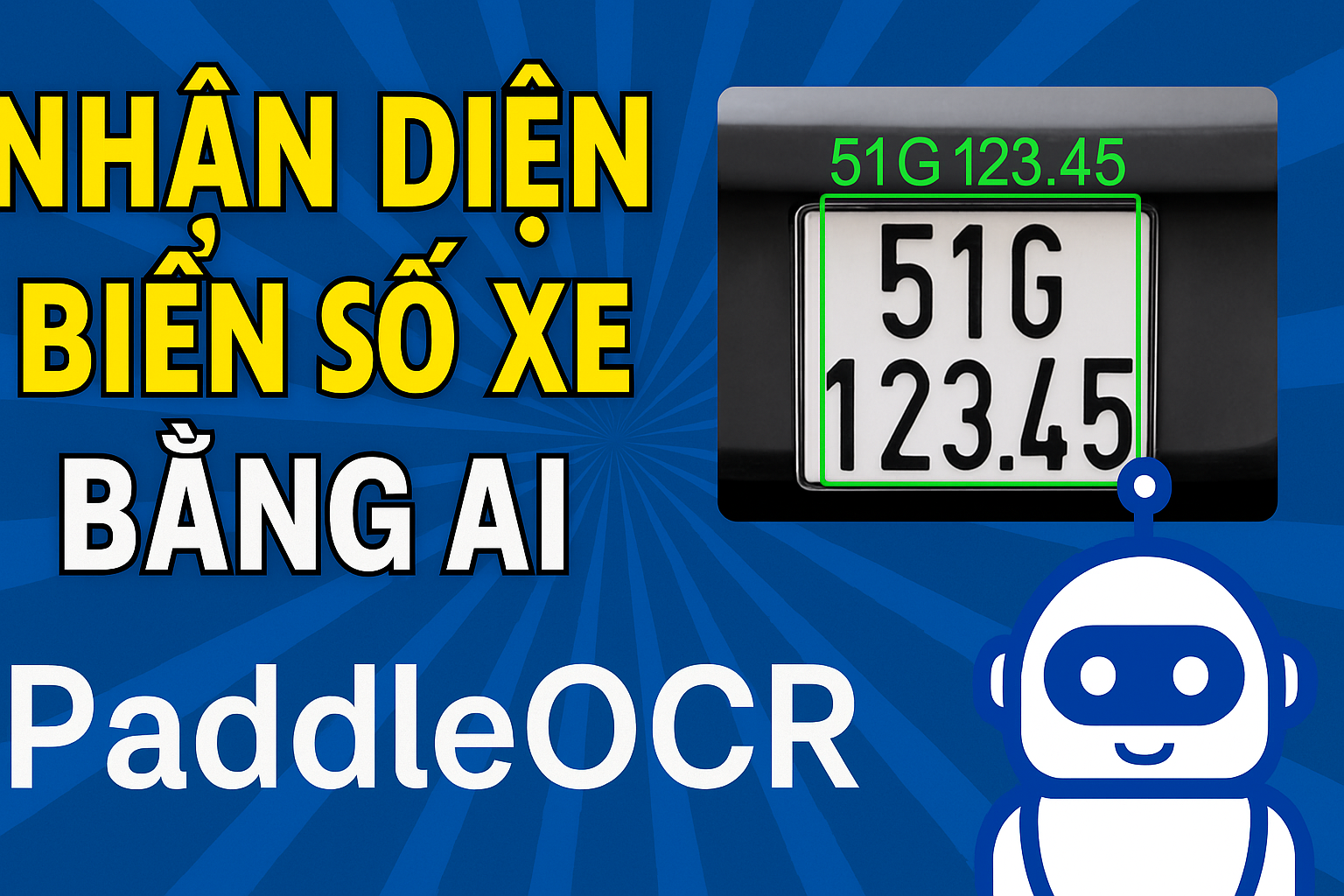
Introduction to PaddleOCR
PaddleOCR is an open source optical character recognition (OCR) library developed by Baidu, using the PaddlePaddle deep learning platform. It supports more than 80 different languages and can recognize text in images, including handwritten text and complex formatting. PaddleOCR is not only powerful in text recognition, but also supports additional features such as table analysis, text recognition from multilingual documents and text data processing in images.
With accurate recognition capabilities and fast processing speed, PaddleOCR is a useful tool for AI applications that need to process text from images or videos.
PaddleOCR Settings
To use PaddleOCR on your computer, you need to install some basic libraries, including PaddlePaddle and PaddleOCR.
1. Install PaddlePaddle and PaddleOCR
First you need to install PaddlePaddle. Open terminal and use the following command to install:
``` pip install paddleocr paddlepaddle
#### **2. Install Additional Dependencies (If Needed)**

To install dependencies for image and video processing, you may need to install additional libraries such as **opencv** and **PIL**. If you use Anaconda like me, you can skip this step:

<svg xmlns="http://www.w3.org/2000/svg" width="54" height="14" viewBox="0 0 54 14"><g fill="none" fill-rule="evenodd" transform="translate(1 1)"><circle cx="6" cy="6" r="6" fill="#FF5F56" stroke="#E0443E" stroke-width=".5"></circle><circle cx="26" cy="6" r="6" fill="#FFBD2E" stroke="#DEA123" stroke-width=".5"></circle><circle cx="46" cy="6" r="6" fill="#27C93F" stroke="#1AAB29" stroke-width=".5"></circle></g></svg><svg xmlns="http://www.w3.org/2000/svg" style="width:24px;height:24px" fill="none" viewBox="0 0 24 24" stroke="currentColor" stroke-width="2"><path class="with-check" stroke-linecap="round" stroke-linejoin="round" d="M9 5H7a2 2 0 00-2 2v12a2 2 0 002 2h10a2 2 0 002-2V7a2 2 0 00-2-2h-2M9 5a2 2 0 002 2h2a2 2 0 002-2M9 5a2 2 0 012-2h2a2 2 0 012 2m-6 9l2 2 4-4"></path><path class="without-check" stroke-linecap="round" stroke-linejoin="round" d="M9 5H7a2 2 0 00-2 2v12a2 2 0 002 2h10a2 2 0 002-2V7a2 2 0 00-2-2h-2M9 5a2 2 0 002 2h2a2 2 0 002-2M9 5a2 2 0 012-2h2a2 2 0 012 2"></path></svg>```
pip install opencv-python
pip install Pillow
Using PaddleOCR: Sample Code
Now, we will use PaddleOCR to recognize text in an image. Here is a simple example of how to use PaddleOCR to recognize text from images:
``` #https://paddlepaddle.github.io/PaddleOCR/main/en/ppocr/quick_start.html#22-use-by-code
from paddleocr import PaddleOCR import cv2
ocr = PaddleOCR(use_angle_cls=True, show_log = False, lang=‘en’)
Read license plate image path vs OpenCV
image_path = ‘bien_so.jpg’
img = cv2.imread(image_path)
Call OCR
result = ocr.ocr(img, cls=False)
Display results
for line in result: for box, (text, score) in line: print(f’OCR result: {text}, Accuracy: {score:.2f}’)
#### **Code Explanation:**

**1.** **Import Required Libraries:**

<svg xmlns="http://www.w3.org/2000/svg" width="54" height="14" viewBox="0 0 54 14"><g fill="none" fill-rule="evenodd" transform="translate(1 1)"><circle cx="6" cy="6" r="6" fill="#FF5F56" stroke="#E0443E" stroke-width=".5"></circle><circle cx="26" cy="6" r="6" fill="#FFBD2E" stroke="#DEA123" stroke-width=".5"></circle><circle cx="46" cy="6" r="6" fill="#27C93F" stroke="#1AAB29" stroke-width=".5"></circle></g></svg><svg xmlns="http://www.w3.org/2000/svg" style="width:24px;height:24px" fill="none" viewBox="0 0 24 24" stroke="currentColor" stroke-width="2"><path class="with-check" stroke-linecap="round" stroke-linejoin="round" d="M9 5H7a2 2 0 00-2 2v12a2 2 0 002 2h10a2 2 0 002-2V7a2 2 0 00-2-2h-2M9 5a2 2 0 002 2h2a2 2 0 002-2M9 5a2 2 0 012-2h2a2 2 0 012 2m-6 9l2 2 4-4"></path><path class="without-check" stroke-linecap="round" stroke-linejoin="round" d="M9 5H7a2 2 0 00-2 2v12a2 2 0 002 2h10a2 2 0 002-2V7a2 2 0 00-2-2h-2M9 5a2 2 0 002 2h2a2 2 0 002-2M9 5a2 2 0 012-2h2a2 2 0 012 2"></path></svg>```
from paddleocr import PaddleOCR
import cv2-
PaddleOCR: This is the main library for implementing optical character recognition (OCR). This library uses the PaddlePaddle deep learning platform.
-
cv2: This is an OpenCV library used to read and process images. OpenCV supports many functions such as image reading, image processing, object recognition, etc.
2. Initialize PaddleOCR:
``` ocr = PaddleOCR(use_angle_cls=True, show_log=False, lang=‘en’)
- **PaddleOCR()**: Initializes a PaddleOCR object to perform text recognition.

- **use_angle_cls=True**: Enable angle classification to help detect and handle slanted text.

- **show_log=False**: Turns off log display during processing, helping to reduce noise when running code.

- **lang='en'**: Specifies the text language as **English**. If you need to recognize text in another language, you can replace 'en' with the corresponding language code.

**3. Read Photos from Link:**

<svg xmlns="http://www.w3.org/2000/svg" width="54" height="14" viewBox="0 0 54 14"><g fill="none" fill-rule="evenodd" transform="translate(1 1)"><circle cx="6" cy="6" r="6" fill="#FF5F56" stroke="#E0443E" stroke-width=".5"></circle><circle cx="26" cy="6" r="6" fill="#FFBD2E" stroke="#DEA123" stroke-width=".5"></circle><circle cx="46" cy="6" r="6" fill="#27C93F" stroke="#1AAB29" stroke-width=".5"></circle></g></svg><svg xmlns="http://www.w3.org/2000/svg" style="width:24px;height:24px" fill="none" viewBox="0 0 24 24" stroke="currentColor" stroke-width="2"><path class="with-check" stroke-linecap="round" stroke-linejoin="round" d="M9 5H7a2 2 0 00-2 2v12a2 2 0 002 2h10a2 2 0 002-2V7a2 2 0 00-2-2h-2M9 5a2 2 0 002 2h2a2 2 0 002-2M9 5a2 2 0 012-2h2a2 2 0 012 2m-6 9l2 2 4-4"></path><path class="without-check" stroke-linecap="round" stroke-linejoin="round" d="M9 5H7a2 2 0 00-2 2v12a2 2 0 002 2h10a2 2 0 002-2V7a2 2 0 00-2-2h-2M9 5a2 2 0 002 2h2a2 2 0 002-2M9 5a2 2 0 012-2h2a2 2 0 012 2"></path></svg>```
image_path = 'bien_so.jpg'
img = cv2.imread(image_path)-
image_path: Path to the license plate image file to be identified.
-
cv2.imread(): Function from OpenCV to read an image from a path and convert it into a workable array.
4. Call OCR To Recognize Text:
``` result = ocr.ocr(img, cls=False)
- **ocr.ocr(img, cls=False)**: This function performs text recognition in <code>img</code> images.
<ul class="wp-block-list">
<li>**img**: Image to be identified.

- **cls=False**: Turn off angle detection (classification) in this case, because you enabled **use_angle_cls=True** when initializing, and turning off cls will help reduce processing time if the image is clear enough.

</li>
</ul>

The returned result will be a list of recognized text lines, along with the location (bounding box) of each piece of text.

**5. Display Identification Results:**

<svg xmlns="http://www.w3.org/2000/svg" width="54" height="14" viewBox="0 0 54 14"><g fill="none" fill-rule="evenodd" transform="translate(1 1)"><circle cx="6" cy="6" r="6" fill="#FF5F56" stroke="#E0443E" stroke-width=".5"></circle><circle cx="26" cy="6" r="6" fill="#FFBD2E" stroke="#DEA123" stroke-width=".5"></circle><circle cx="46" cy="6" r="6" fill="#27C93F" stroke="#1AAB29" stroke-width=".5"></circle></g></svg><svg xmlns="http://www.w3.org/2000/svg" style="width:24px;height:24px" fill="none" viewBox="0 0 24 24" stroke="currentColor" stroke-width="2"><path class="with-check" stroke-linecap="round" stroke-linejoin="round" d="M9 5H7a2 2 0 00-2 2v12a2 2 0 002 2h10a2 2 0 002-2V7a2 2 0 00-2-2h-2M9 5a2 2 0 002 2h2a2 2 0 002-2M9 5a2 2 0 012-2h2a2 2 0 012 2m-6 9l2 2 4-4"></path><path class="without-check" stroke-linecap="round" stroke-linejoin="round" d="M9 5H7a2 2 0 00-2 2v12a2 2 0 002 2h10a2 2 0 002-2V7a2 2 0 00-2-2h-2M9 5a2 2 0 002 2h2a2 2 0 002-2M9 5a2 2 0 012-2h2a2 2 0 012 2"></path></svg>```
for line in result:
    for box, (text, score) in line:
print(f'OCR result: {text}, Accuracy: {score:.2f}')-
for line in result: Browse through all recognized lines of text in the
resultresult. -
for box, (text, score) in line: Each line of text will return three values:
- **box**: Position (bounding box) of the text in the image.
-
text: Recognizable text content.
-
score: Accuracy of recognition results, showing the degree of certainty with which PaddleOCR recognizes this text.
-
Finally, the print function will print the text result and its precision, for example:
``` OCR result: AB123CD, Accuracy: 0.98
### **Video Instructions for Installing and Using PaddleOCR**
To help you easily get acquainted and better understand how to use **PaddleOCR**, you can watch my video on YouTube. This video will help you install and use PaddleOCR.
<figure class="wp-block-embed is-type-video is-provider-youtube wp-block-embed-youtube wp-embed-aspect-16-9 wp-has-aspect-ratio">
<iframe title="Instructions for Recognizing Vehicle License Plates Using AI with PaddleOCR | Simple and Effective Steps #OCR #PaddleOCR" width="990" height="557" src="https://www.youtube.com/embed/bwCRmswDlqc?start=1&feature=oembed" frameborder="0" allow="accelerometer; autoplay; clipboard-write; encrypted-media; gyroscope; picture-in-picture; web-share" referrerpolicy="strict-origin-when-cross-origin" allowfullscreen></iframe>
</figure>
### **Benefits of PaddleOCR**
- **Multi-Language Support:** PaddleOCR supports text recognition in over 80 languages, including English, Chinese, Japanese, and many more.
- **High Accuracy:** With deep learning models and advanced recognition technology, PaddleOCR has high accuracy in recognizing text from photos and videos.
- **Fast Processing Speed:** PaddleOCR allows fast text recognition, especially when integrated with **GPU**, helping to save time when processing large documents.
- **Easy Integration:** You can integrate PaddleOCR into existing Python projects easily.
<hr class="wp-block-separator has-alpha-channel-opacity"/>
### **Conclude**
**PaddleOCR** is a powerful tool for recognizing text from images and videos. With multi-language support, high accuracy, and fast speed, PaddleOCR is a great choice for projects that require automated text processing. Hopefully this article and video tutorial will help you get started with PaddleOCR easily and effectively.